
Start from a screenshot, number, plate, or name before the next service step.
Available on the App Store
Search, save, and collaborate on iPhone.
Start from a screenshot, number, plate, or name. Save useful records and work with trusted people within an authorized scope.
Coratina 1.0.19 · Free · Requires iOS 17 or later
Quick lookup Search with the information already in front of you.
Saved context Keep useful records ready for the next check.
Authorized collaboration Work with trusted people without publishing private records.

Keep important records organized so the next check does not start over.

Use groups and limited access without turning private records into public search.
Inside the app
See the current Coratina experience.
Search, save records, create groups, and collaborate in one mobile flow. Screens show the current Chinese interface.
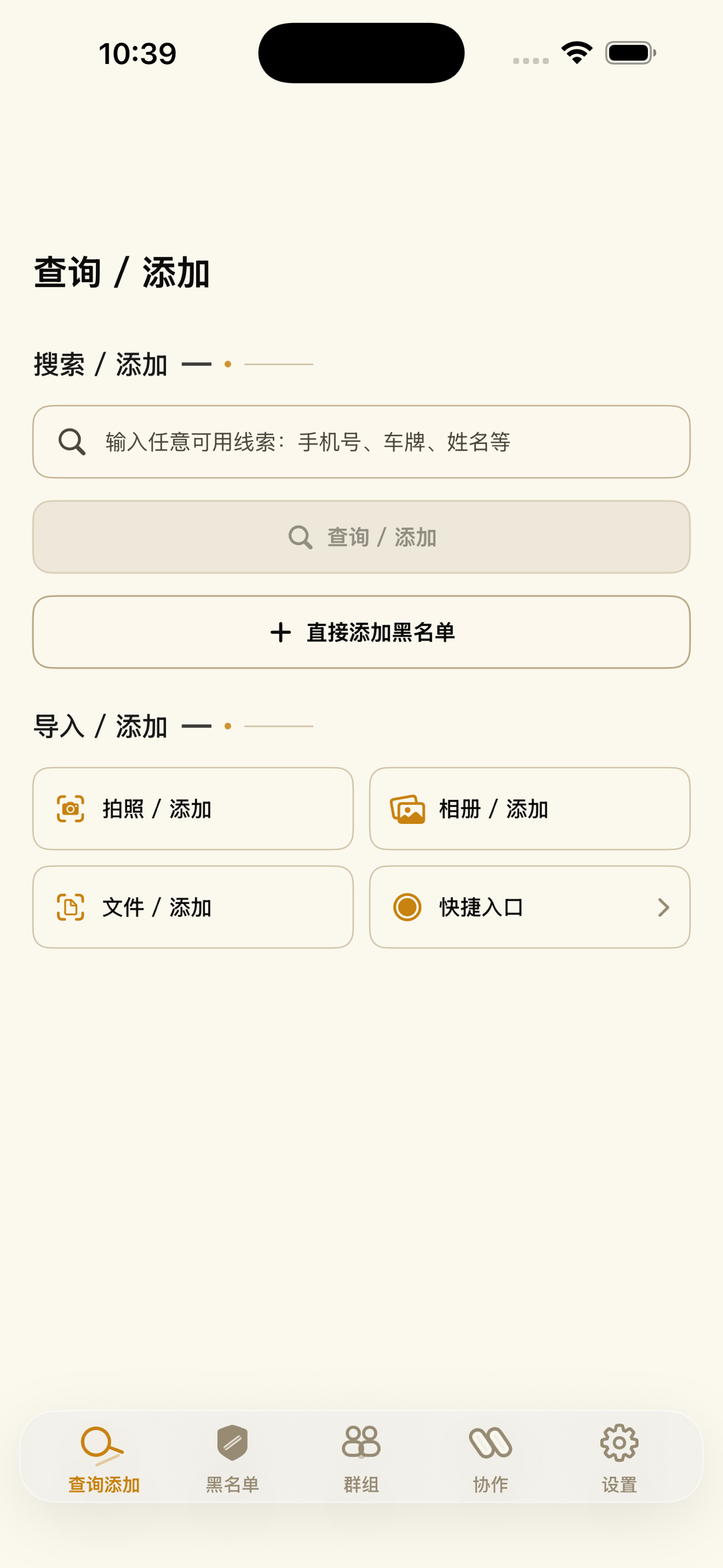
Query and add
Search or add information from a photo, file, or direct entry.
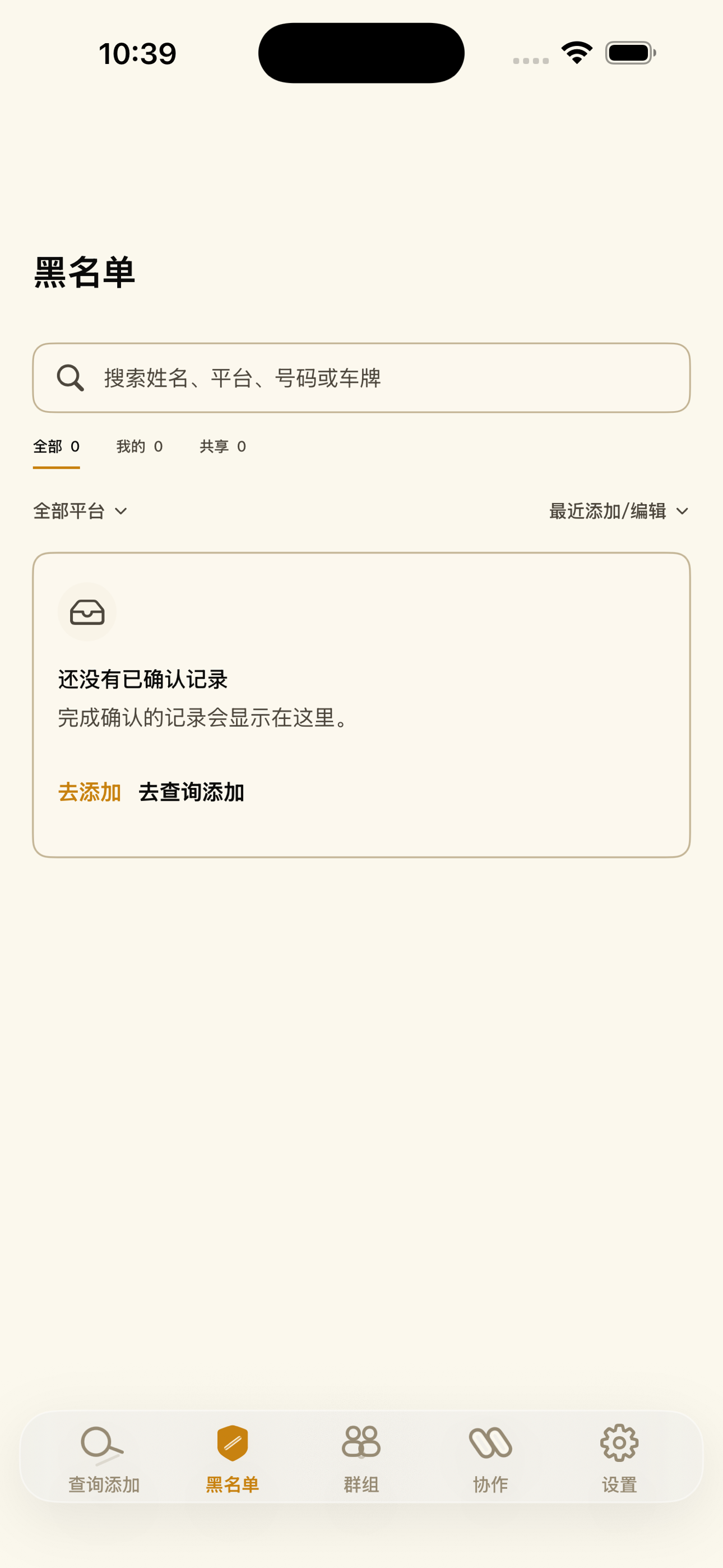
Saved records
Keep useful context searchable and ready for the next check.
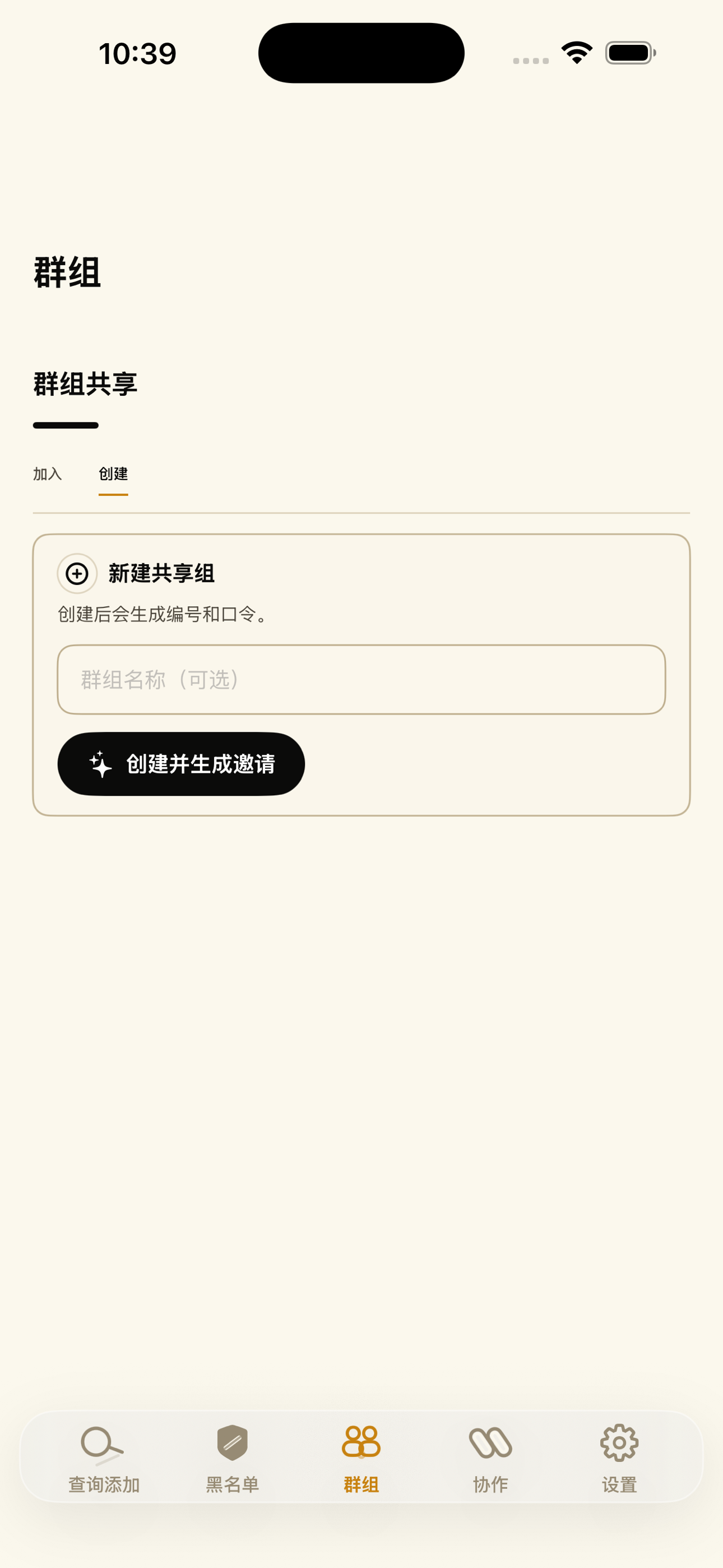
Shared groups
Create or join a group and work from the same authorized scope.
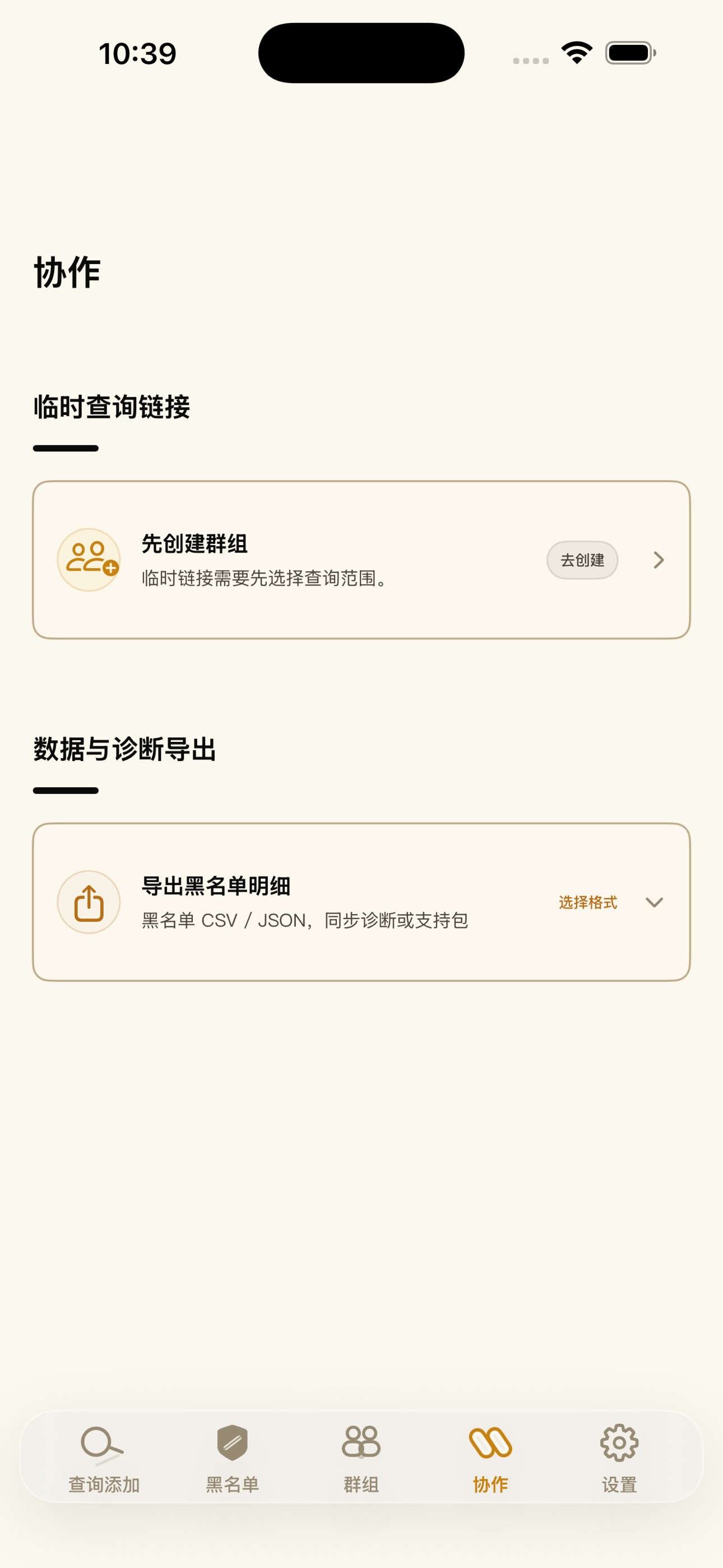
Collaboration
Share a limited lookup or work with authorized records when needed.
Ready to start
Download Coratina from the App Store.
Coratina 1.0.19 is free to download and requires iOS 17 or later. Team, privacy, deletion, and support questions can be sent to tc@coratina.co.